
Surveys
Collect feedback while the experience is fresh.
Add a survey to any activity and keep every response with the guest’s record.
How was the apple cider tasting?
Not for meIt was goodLoved it
Tap to rateInteractive passports for in-person events
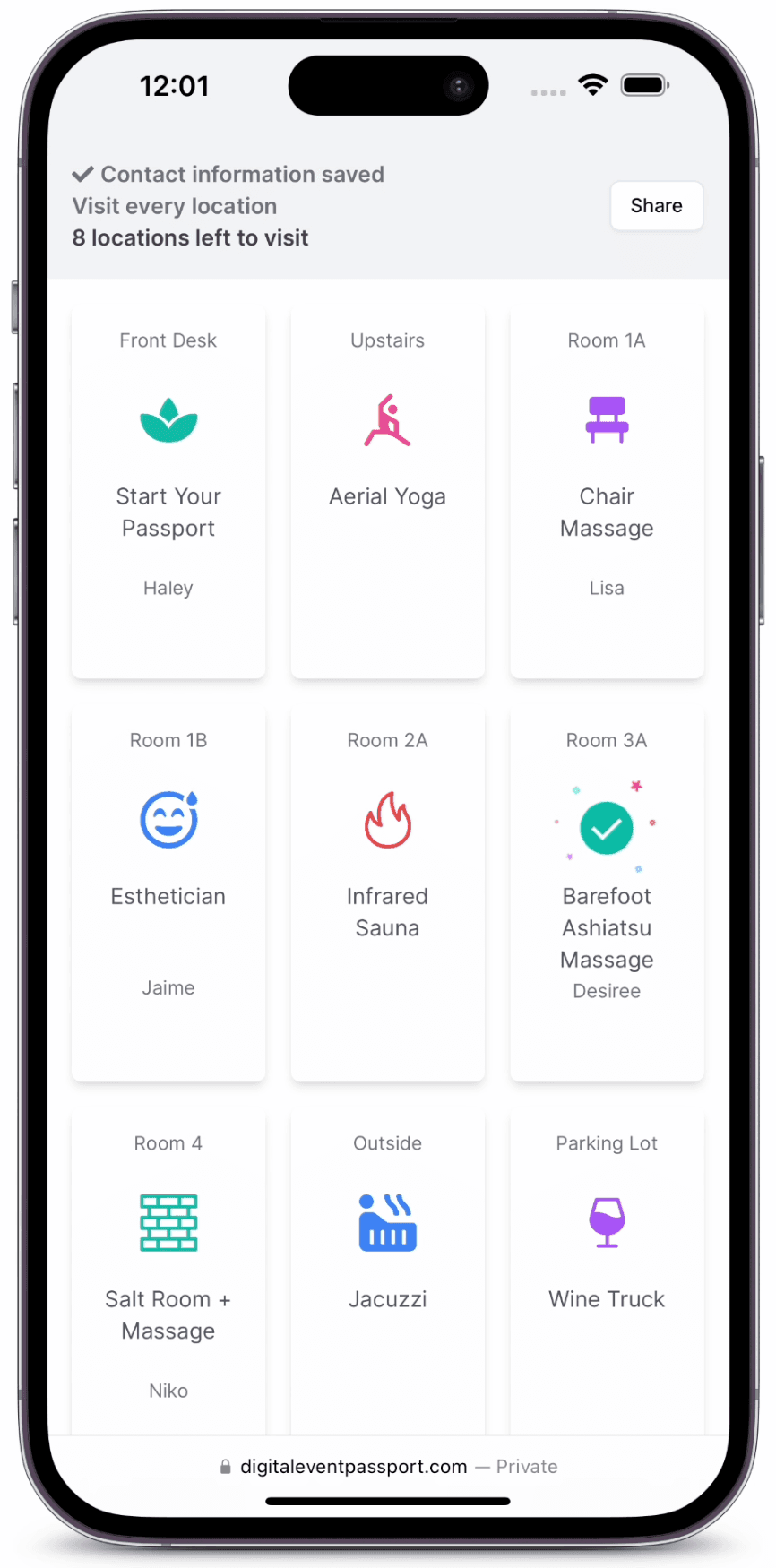
Give participants one mobile place for activities, check-ins, and progress. Your team can follow participation live and understand what happened afterward.
Included in every plan
Add surveys, quizzes, photo activities, prize drawings, and leaderboards across your event. Every check-in, response, and submission stays connected to the participant and activity that created it.
Surveys
Add a survey to any activity and keep every response with the guest’s record.
Quizzes
Set the correct answer, allow retries, and use the result to complete the check-in.
Photo activities
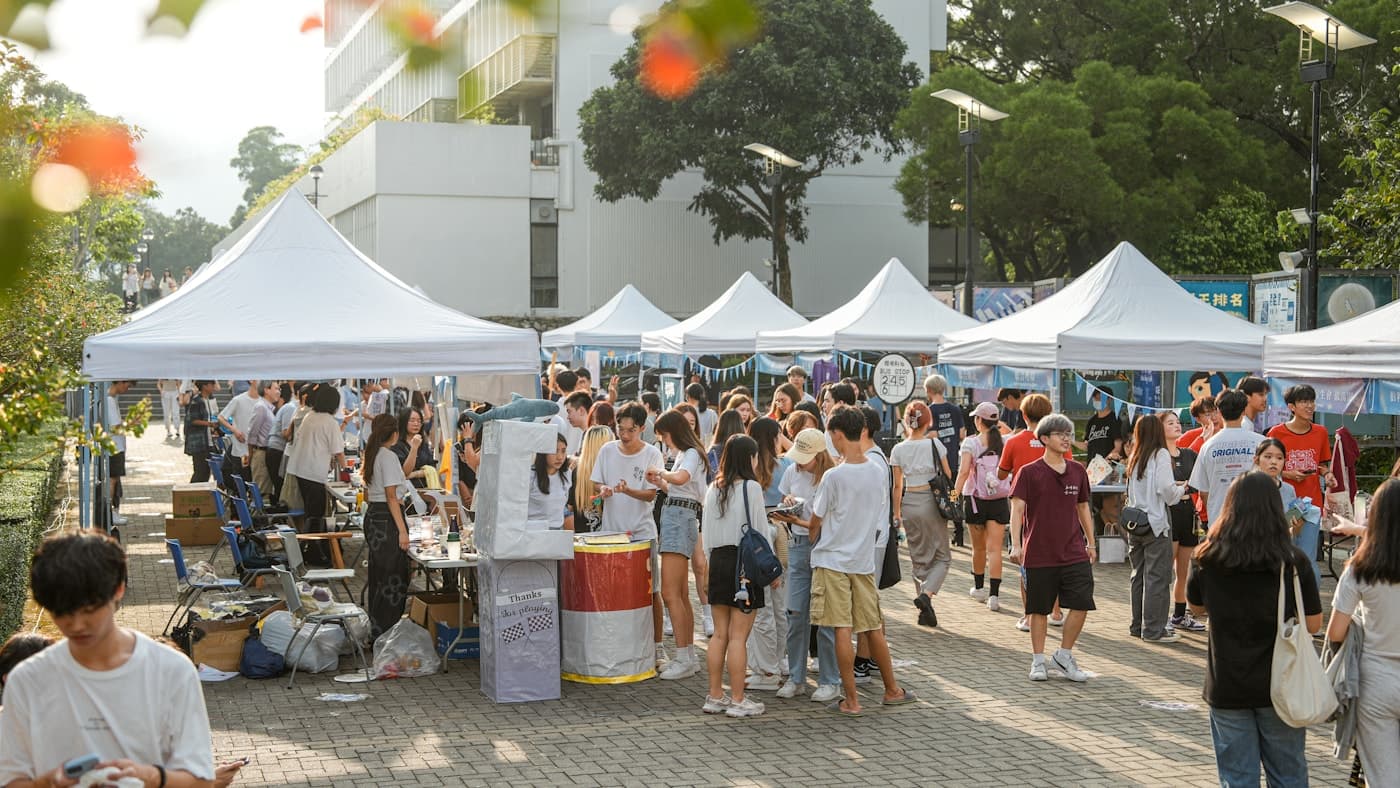
Invite guest submissions, review them, and publish the approved photos.
 Maya T. · Photo Wall
Prize drawings
Choose from registered guests, specific check-ins, or completed passports.
Progress & leaderboards
Progress and rankings stay tied to activities completed throughout the event.
How it works
See what participants open, what they do at each activity, and how the passport carries them through the final celebration.
October 18 · Riverside Commons
Riverside
Fall Festival
Your event passport starts here.
Scan with your phone camera
No app to download
Welcome to the event!
Riverside Fall Festival
At the entrance
Place the welcome QR at the entrance. Guests scan it, enter the details you choose, and the passport opens in their phone’s browser—nothing to download.
On their phone
The passport home keeps every activity, location, and check-in status together. Guests immediately see what is available, what they have completed, and which stops are still required.
At each activity
Apple Cider Tasting moves from one quiz question to the real saved check-in state, with the correct response and updated progress visible in one flow. Photo Wall remains a separate photo-submission activity.
When the passport is complete
When every required activity is complete, the passport marks the achievement, celebrates the participant, and opens the organizer’s closing message.
October 18 · Riverside Commons
Riverside
Fall Festival
Your event passport starts here.
Scan with your phone camera
No app to download
Welcome to the event!
Riverside Fall Festival
At the entrance
Place the welcome QR at the entrance. Guests scan it, enter the details you choose, and the passport opens in their phone’s browser—nothing to download.
Contact information saved
Check in to at least 4 activities
3 locations left to visit
On their phone
The passport home keeps every activity, location, and check-in status together. Guests immediately see what is available, what they have completed, and which stops are still required.
Sample three locally pressed ciders, then answer one question to complete this activity.
At each activity
Apple Cider Tasting moves from one quiz question to the real saved check-in state, with the correct response and updated progress visible in one flow. Photo Wall remains a separate photo-submission activity.
Contact information saved
Passport completed!
Thank you for visiting!You did it!
Thanks for completing your passport. Stop by the welcome table for your festival prize.
You're entered in the prize drawing!
When the passport is complete
When every required activity is complete, the passport marks the achievement, celebrates the participant, and opens the organizer’s closing message.
One passport connects the event entrance, every activity, and each participant's progress.
Interactive demo
This working passport was created for an anniversary open house. Register, open an activity, and complete a check-in exactly as a participant would.
Scan to open on your phoneContact information saved
Check in to at least 9 activities
9 locations left to visit
Event Photo GalleryEvery check-in, response, and submission you just saw appears on the organizer’s side in real time.
The organizer view
Follow participation as it happens, track progress from first check-in to completion, and open the details behind every activity.
Oct 18, 10:00 AM – 8:00 PM · Riverside Commons
80% started checking into activities. Participants average 5.5 check-ins each.
80% started · 10% completed
Activity details
Every check-in, response, and submission stays connected to the participant and activity that created it.
Sugar16 · 23%
Yeast40 · 56%
Heat15 · 21%
Dana Whitfield4:12 PM · quiz ✓
Marcus Lee3:48 PM · quiz ✓
Priya Raman3:31 PM · checked in
Jordan Bell3:24 PM · checked in
PARTICIPANT CONTENT · PHOTO WALL
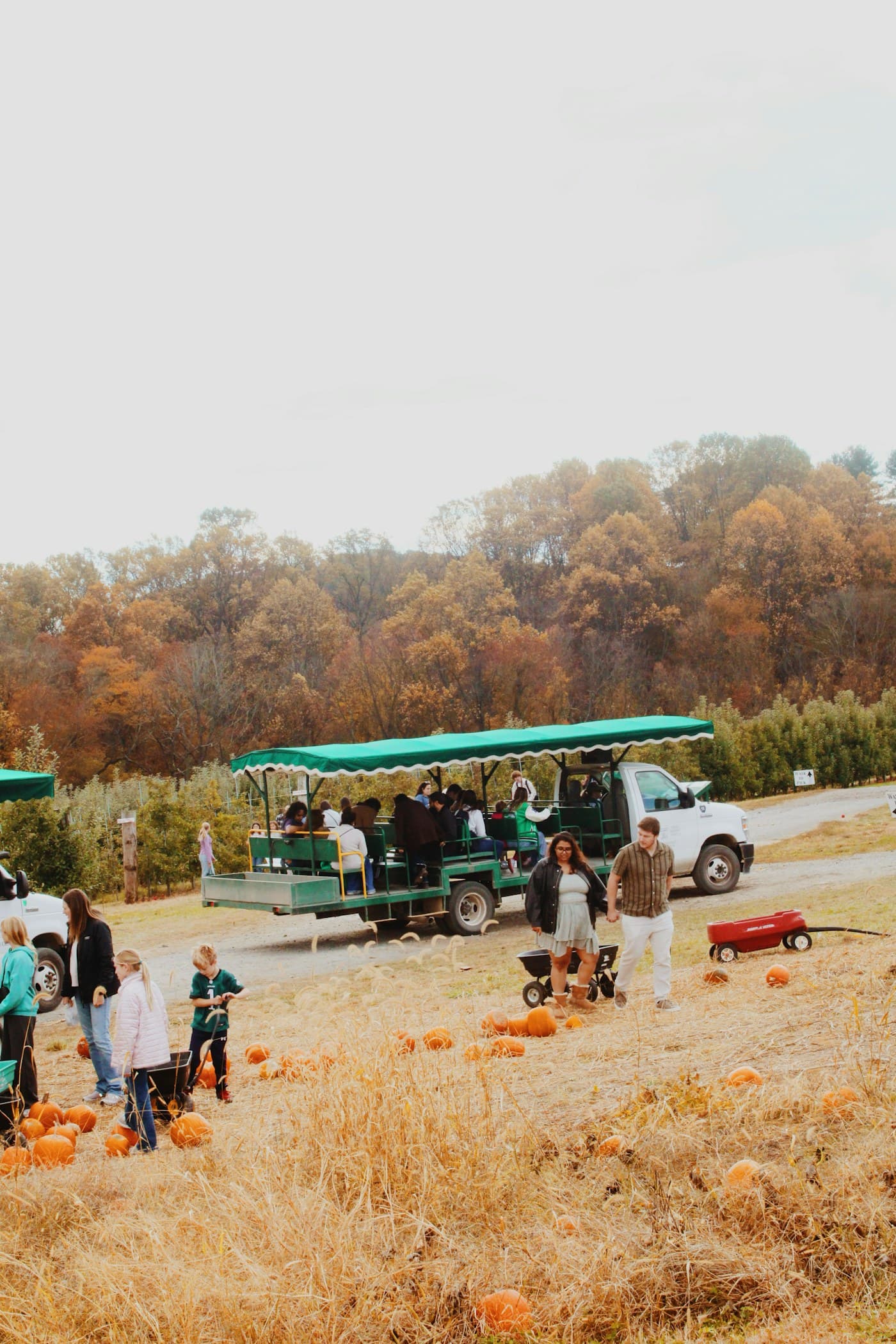
Review submissions before they become part of the event gallery.

Sam O. · Photo Wall4:21 PM
NEW
Jo H. · Photo Wall4:23 PM
NEW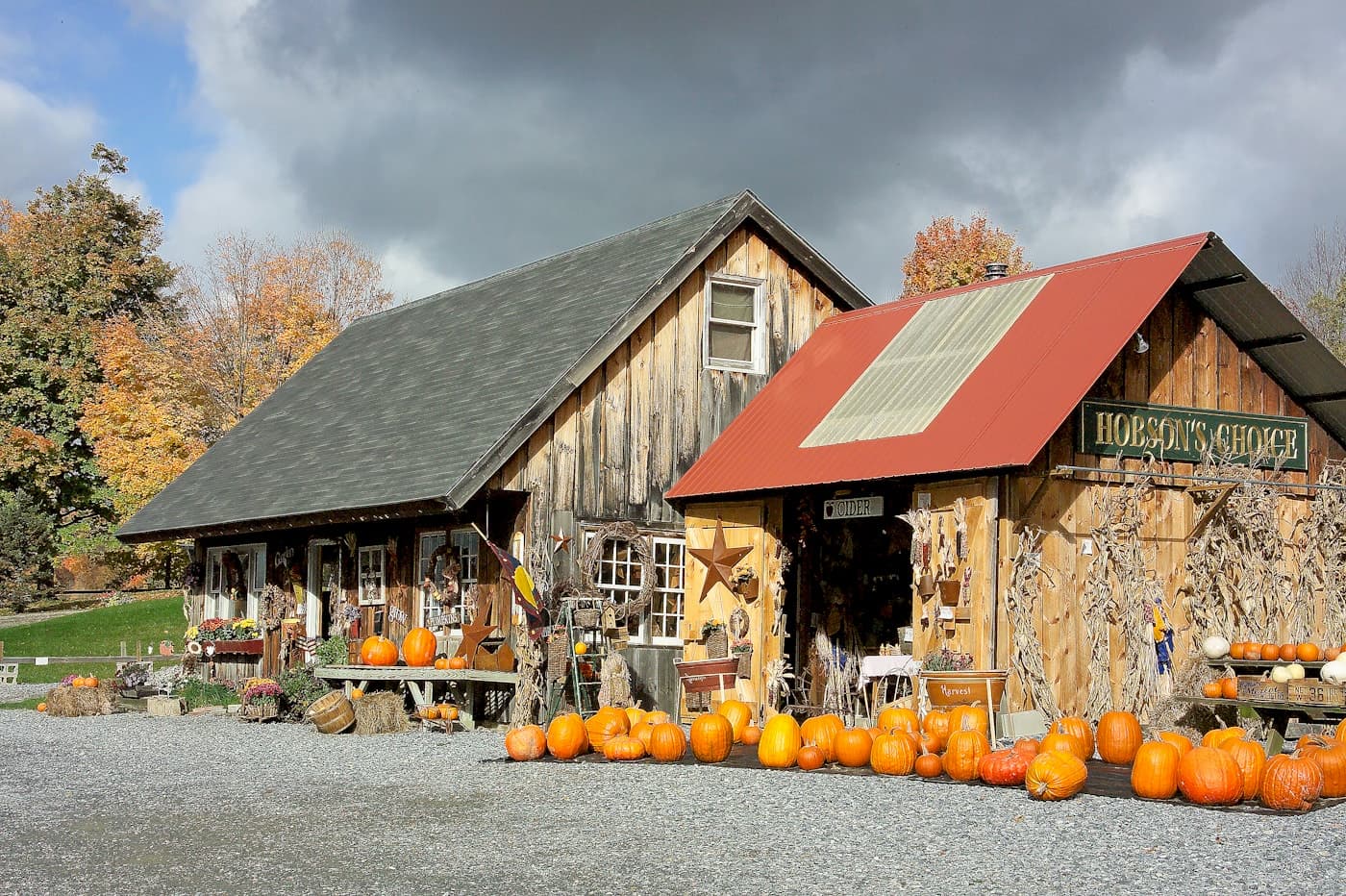
Alex K. · Photo Wall4:02 PM
NOT APPROVEDApproved photos join the event gallery below. Nothing appears without review.
EVENT GALLERY · APPROVED SUBMISSIONS

Dana · 4:12 PM
Marcus · 3:48 PM
Priya · 3:31 PM

Jo · 3:05 PM
Sam · 2:54 PM
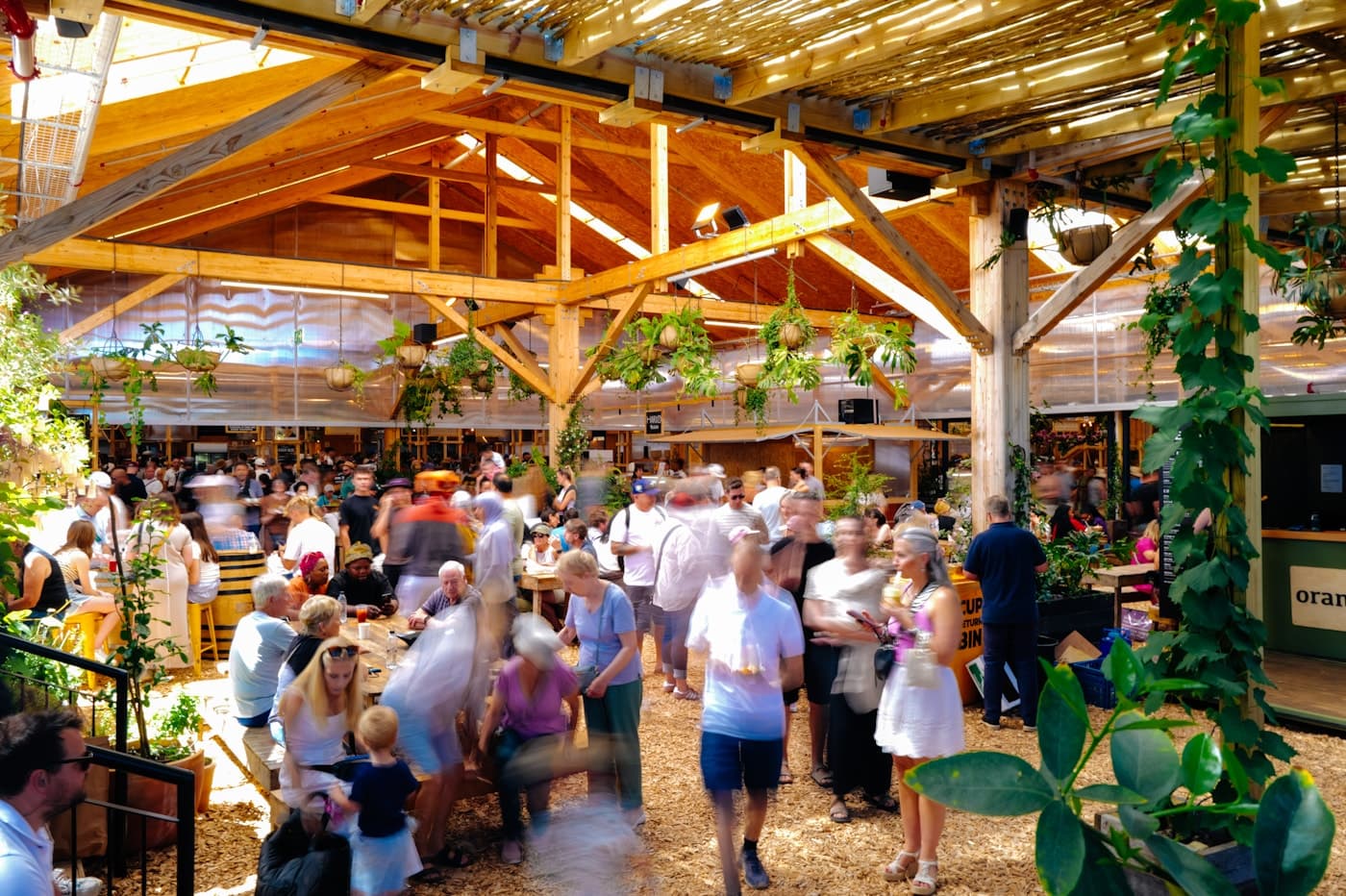
Alex · 2:40 PM

Jordan · 2:22 PM
Riverside Fall Festival · Oct 18
Example partner recap created from a Digital Event Passport export.
Export-ready partner reporting
Export activity-level check-ins, completion, responses, and approved submissions to create a clear recap for sponsors, exhibitors, hosts, or your own team.
Build and preview
Add activities, choose how each check-in works, and review every screen before participant access begins.
Contact information saved
Check in to at least 4 activities
3 locations left to visit
Test with your team. Prepare every entry point. Open participant access when you're ready.
Authorize a device to test the real passport before launch.
Open on a deviceDownload QR codes and prepare printed entry points.
Passport homePage
OptionalApple Cider TastingActivity
RequiredPhoto WallActivity
Not requiredPricing
Renews at the end of the access period. Turn renewal off anytime.
Every plan includes every engagement feature. Plans differ by participant capacity, branding, team seats, and support.
Everything needed for events up to 500 participants.
More capacity, team access and branding control.
Uncapped participation, unlimited seats and highest support.
| Feature | Core | Plus | Max |
|---|---|---|---|
| Every engagement feature | ✓ | ✓ | ✓ |
| Unlimited passports during the active access period | ✓ | ✓ | ✓ |
| Preview Access for your team | ✓ | ✓ | ✓ |
| CSV export of participants & responses | ✓ | ✓ | ✓ |
| Logo, colors & screen text | ✓ | ✓ | ✓ |
| Advanced branding options | · | ✓ | ✓ |
| Team seats | 3 | 10 | Unlimited |
| Support | Priority email | Priority chat + email support |
Advanced branding options are available through email support.
Build for free. Activate an access period when you're ready to open participant access.
Participant access and plan benefits require an active paid access period.Prices in USD · Participant capacity applies per event · Unlimited passports during active access · Turning off renewal does not end access already paid for
Download participant details, check-ins, progress, responses, and submissions when you need them.
Digital Event Passport does not sell participant information or market to your guests.
Participant personal information is retained for 90 days after the event ends.
Questions
Still need help? Email support@digitaleventpassport.com.
No. The participant passport runs in the phone's browser and opens from a QR code or link — nothing to install on iPhone or Android.
Each activity uses the check-in method you choose — tapping the activity, scanning its QR code, or entering a short passcode — plus an optional quiz, survey, or photo submission. Every activity is configured independently.
Yes, with Preview Access. Authorized devices open and test the real passport, while regular visitors continue to see the pre-launch page.
Unlimited during an active access period. Participant capacity applies per event, according to your plan.
Yes. Registration details, check-ins, progress, and quiz and survey responses export to CSV whenever you need them.
Every plan applies your logo, colors, and screen text. Plus and Max add advanced branding options.
Core includes Email support, Plus includes Priority email support, and Max includes Priority chat + email support.
Start for free. Choose a plan when you're ready to open participant access.
Start building for freeAlready have an account? Sign in